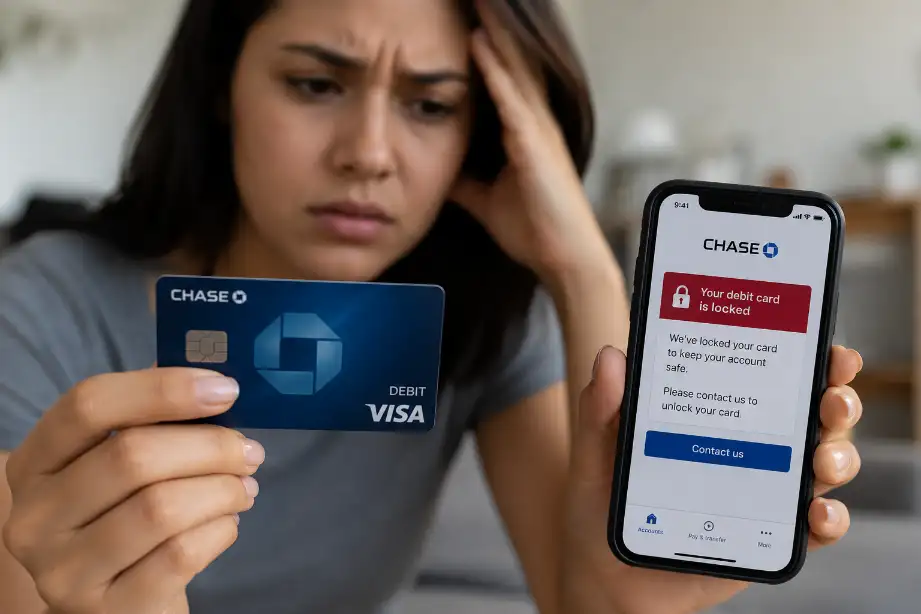
Why Did Chase Lock My Debit Card and How Can I Unlock It?
Debit cards make everyday spending quick and convenient. Most people use them for shopping, bill payments, ATM withdrawals, and online purchases. When a debit card suddenly stops working, frustration follows almost immediately. Many Chase customers face this situation and wonder why their card got locked without warning.
Banks place security at the center of their services. Chase monitors account activity around the clock and may lock a debit card when it notices unusual transactions or possible fraud. While this action can feel inconvenient, it often protects your money from unauthorized use.
If your Chase debit card has been locked, you can usually fix the issue without much difficulty. The key lies in understanding why the bank restricted the card and what steps you need to take to restore access. This guide explains the common reasons behind a locked Chase debit card and shows you how to unlock it quickly and safely.
Why Did Chase Lock My Debit Card and How Can I Unlock It?
Chase may lock a debit card for several reasons. Most cases involve security concerns, account issues, or unusual spending activity. Once you identify the cause, you can take the right steps to unlock your card.
Common Reasons Chase Locks a Debit Card
1. Suspicious Transaction Activity
Banks use fraud detection systems to identify unusual behavior. If Chase notices purchases that differ from your normal spending habits, it may lock your card as a safety measure.
Examples include:
- Large purchases that exceed your usual spending pattern
- Transactions in another state or country
- Multiple purchases within a short period
- Online purchases from unfamiliar merchants
Chase may send a text message, email, or app notification asking you to verify the activity.
2. Incorrect PIN Attempts
Entering the wrong PIN several times at an ATM or payment terminal can trigger a security lock.
This lock prevents unauthorized users from guessing your PIN and accessing your account.
3. Reported Lost or Stolen Card
If you reported your card as lost or stolen through the Chase app, website, or customer service, Chase immediately blocks the card to protect your funds.
Once Chase marks a card as lost or stolen, you usually need a replacement card.
4. International Transactions
Traveling abroad often causes security alerts. Chase may view foreign transactions as unusual activity if you rarely make purchases outside your home region.
Many travelers discover their card has been locked while attempting to make purchases overseas.
5. Expired Debit Card
Every debit card includes an expiration date. When that date passes, the card stops working automatically.
Customers sometimes mistake an expired card for a locked card.
6. Account Restrictions
Chase may restrict debit card access if issues affect the bank account connected to the card.
Possible reasons include:
- Negative account balances
- Account verification issues
- Suspected fraudulent account activity
- Legal or regulatory restrictions
How to Unlock Your Chase Debit Card
Once you determine the likely reason for the lock, follow these steps.
Step 1: Check the Chase Mobile App
The Chase mobile app often provides the fastest solution.
Open the app and:
- Sign in to your account.
- Select your checking account.
- Tap your debit card settings.
- Look for alerts or security notifications.
- Follow any verification instructions.
Many temporary locks can be resolved directly through the app.
Step 2: Review Text Messages and Emails
Chase frequently contacts customers when suspicious activity occurs.
Look for messages asking:
- Did you make this purchase?
- Do you recognize this transaction?
- Would you like to approve this activity?
Respond according to the instructions provided.
Step 3: Contact Chase Customer Service
If you cannot unlock the card through the app, call Chase customer service.
Have the following information ready:
- Full name
- Account details
- Debit card number
- Recent transaction information
- Government-issued identification if requested
A representative can review your account and explain the reason for the lock.
Step 4: Visit a Chase Branch
Sometimes Chase requires identity verification in person.
Bring:
- Your debit card
- A valid photo ID
- Any account-related documents
A branch representative can often resolve account restrictions quickly.
Step 5: Request a Replacement Card
If Chase permanently blocked the card due to loss, theft, or security concerns, request a replacement card.
Most replacement cards arrive within several business days.
How Long Does It Take to Unlock a Chase Debit Card?
The timeframe depends on the reason for the restriction.
Here are some general estimates:
| Situation | Typical Resolution Time |
|---|---|
| Fraud verification through app | Minutes |
| Phone verification | Same day |
| Branch verification | Same day |
| Lost or stolen card replacement | Several business days |
| Account investigation | A few days to several weeks |
Simple security alerts usually take very little time to resolve.
Tips to Prevent Chase From Locking Your Debit Card
You cannot eliminate every security alert, but you can reduce the chances of a card lock.
Keep Contact Information Updated
Make sure Chase has your current:
- Phone number
- Email address
- Mailing address
This allows the bank to reach you quickly when suspicious activity appears.
Monitor Your Account Regularly
Check your account activity often.
Early detection helps you identify:
- Unauthorized purchases
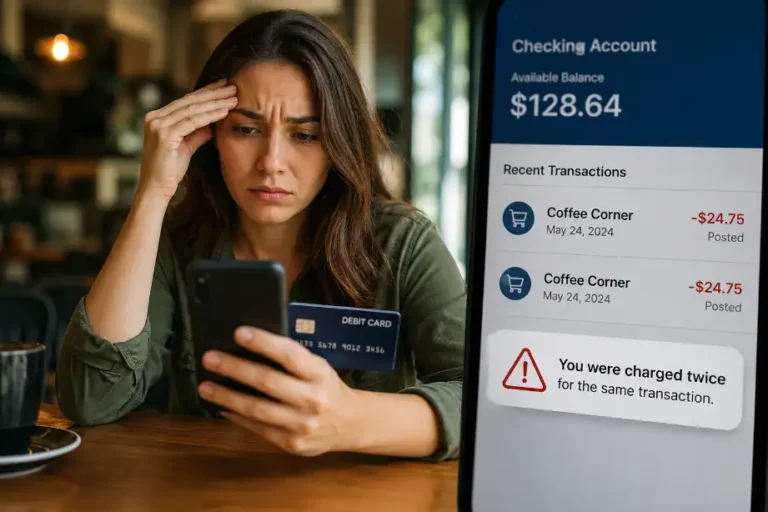
- Duplicate charges
- Fraud attempts
Use Travel Notifications When Available
Before traveling, review travel-related settings in your Chase account.
Sharing travel plans can help reduce unexpected security alerts.
Avoid Repeated PIN Errors
Store your PIN securely and avoid guessing it at ATMs or checkout terminals.
Several failed attempts may trigger a temporary lock.
Enable Account Alerts
Account alerts help you stay informed about:
- Large purchases
- ATM withdrawals
- Online transactions
- Account balance changes
Quick awareness often prevents bigger problems.
What Happens If You Ignore a Locked Debit Card?
Ignoring a locked debit card can create additional inconvenience.
You may experience:
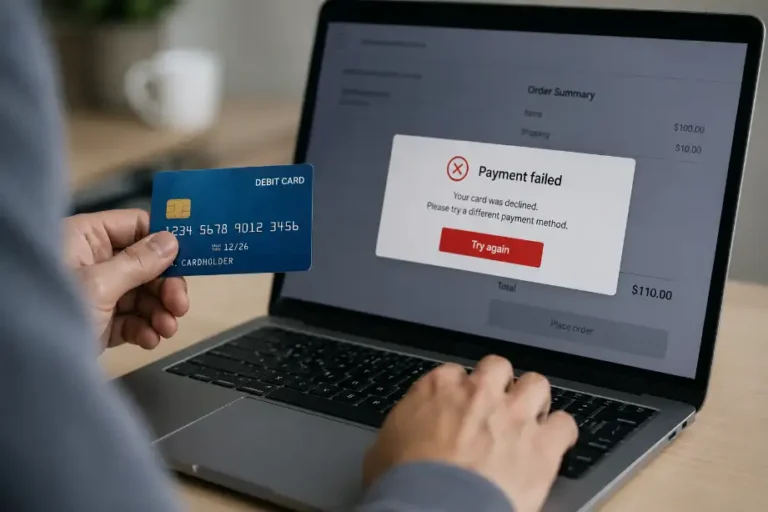
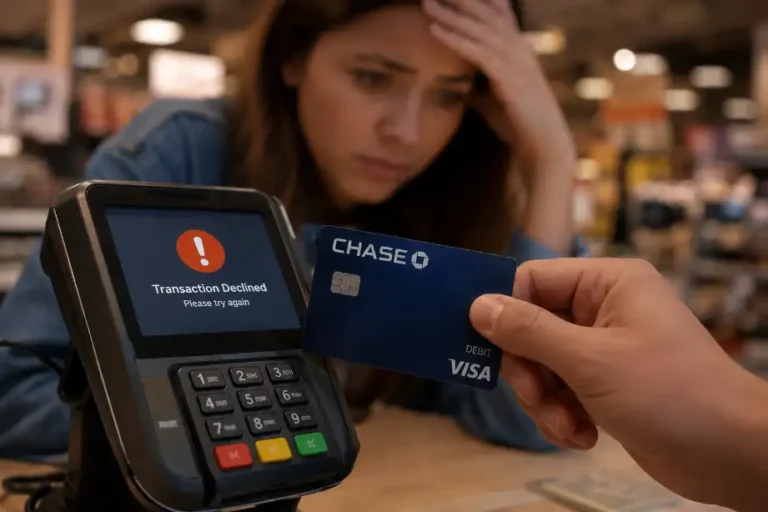
- Declined purchases
- Failed ATM withdrawals
- Missed automatic payments
- Delayed bill payments
- Limited account access
Address the issue as soon as possible to avoid disruptions in your daily finances.
Signs Your Debit Card Is Locked Instead of Damaged
Many customers confuse card damage with a security lock.
A locked card often shows these signs:
- Transactions get declined immediately.
- ATM withdrawals fail.
- Online purchases do not process.
- Chase sends security notifications.
- The card appears active physically but does not work.
A damaged card usually shows wear, chip problems, cracks, or magnetic stripe issues.
Can Chase Unlock a Debit Card Instantly?
Yes, Chase can often unlock a debit card within minutes if a temporary security alert caused the restriction.
You may only need to:
- Confirm your identity
- Verify recent transactions
- Respond to a fraud alert
Permanent blocks related to lost cards, stolen cards, or serious fraud concerns usually require a replacement card instead.
Conclusion
A locked Chase debit card can interrupt your daily routine, but the problem often has a simple explanation. Chase places security first and may lock a card when it detects suspicious activity, repeated PIN errors, travel-related transactions, or account concerns. The fastest solution usually involves checking the Chase mobile app, reviewing security notifications, or contacting customer service. Acting quickly helps restore access and protects your account from unauthorized activity. Keep your contact information updated, monitor transactions regularly, and respond promptly to security alerts. These habits can reduce future disruptions and help you maintain uninterrupted access to your Chase debit card.
Frequently Asked Questions
Why did Chase suddenly lock my debit card?
Chase may lock your card after detecting suspicious transactions or unusual account activity.
Can I unlock my Chase debit card through the mobile app?
Yes, many temporary security locks can be resolved directly through the Chase app.
How many wrong PIN attempts can lock my debit card?
Several incorrect PIN entries may trigger a temporary security lock.
Will Chase notify me before locking my debit card?
Chase often sends alerts, though urgent security actions may happen immediately.
How long does it take to unlock a Chase debit card?
Many cases are resolved within minutes, while investigations can take longer.
Can I still receive deposits if my debit card is locked?
Yes, account deposits usually continue even when the debit card is restricted.
Do I need a new card if Chase permanently blocks my debit card?
Yes, Chase typically issues a replacement card when it permanently blocks the existing one.