How to Report Unauthorized Transactions on a Chase Account
Unauthorized transactions can create stress and confusion, especially when they appear on your Chase account without warning. Whether someone used your debit card, credit card, or bank account details without permission, quick action helps protect your money and personal information.
Chase offers several ways to report suspicious activity and begin the dispute process. Understanding the right steps can save time and reduce financial losses. Many customers notice unauthorized charges while reviewing account statements or checking mobile banking alerts.
Acting as soon as you spot a transaction you do not recognize gives you the best chance of resolving the issue quickly. This guide explains how to report unauthorized transactions on a Chase account, what information you need, and what happens after you submit a report.
How to Report Unauthorized Transactions on a Chase Account
If you notice a transaction that you did not authorize, follow these steps immediately.
Review the Transaction Carefully
Before filing a report, confirm that the charge truly appears suspicious.
Check the following:
- The transaction amount
- Merchant name
- Transaction date
- Pending transactions
- Recurring subscription payments
Sometimes a merchant uses a different business name than the one displayed on receipts. Family members may also make purchases that account holders forget about.
Sign In to Your Chase Account
Access your account through:
- Chase Mobile App
- Chase Online Banking
- Customer service phone support
Review recent transactions and identify the charge that appears unauthorized.
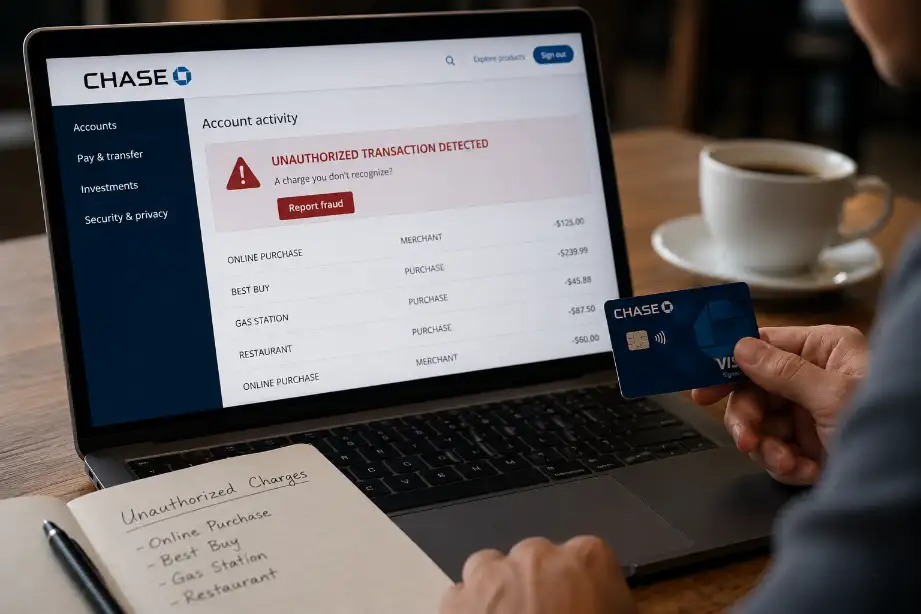
Report the Unauthorized Transaction Online
Chase allows customers to report suspicious charges directly through online banking.
Steps include:
- Log in to your Chase account.
- Open your account activity.
- Select the questionable transaction.
- Choose the dispute or report option.
- Follow the instructions on the screen.
- Submit the required details.
The online process often speeds up investigations.
Contact Chase Customer Service
If online reporting does not work or you need immediate assistance, contact Chase customer service.
Prepare the following information:
- Account number
- Transaction amount
- Date of transaction
- Description of the charge
- Reason for the dispute
A representative can block further unauthorized activity and guide you through the next steps.
Lock or Replace Your Card
If someone gained access to your card information, secure the account immediately.
Actions may include:
- Locking the card through the Chase app
- Requesting a replacement card
- Updating automatic payment information
- Changing account passwords
Quick action helps prevent additional fraudulent purchases.
Monitor Your Account Regularly
Continue checking your account during the investigation.
Watch for:
- New suspicious charges
- Account alerts
- Investigation updates
- Refund notifications
Frequent monitoring helps you catch any future problems early.
Common Signs of Unauthorized Transactions
Many people discover fraud only after several transactions occur. Knowing the warning signs helps you act faster.
Small Test Charges
Fraudsters often start with small purchases before attempting larger transactions.
Examples include:
- Charges under $5
- Online verification purchases
- Unknown subscription fees
Purchases from Unfamiliar Locations
Look for transactions from cities or countries you have never visited.
Multiple Transactions in a Short Time
Several charges appearing within minutes or hours can signal stolen account information.
ATM Withdrawals You Did Not Make
Unauthorized ATM activity often requires immediate attention because cash withdrawals can create larger losses.
What Happens After You File a Report?
Once Chase receives your report, the investigation process begins.
Transaction Review
Chase examines:
- Account activity
- Transaction records
- Merchant information
- Security data
The bank determines whether the transaction qualifies as unauthorized.
Temporary Credit
In some situations, Chase may provide a temporary credit while the investigation continues.
This temporary adjustment depends on the account type and dispute details.
Investigation Timeline
The review period varies depending on:
- Transaction type
- Complexity of the case
- Merchant response time
- Available evidence
Many disputes receive updates within a few business days, while some cases require additional time.
Final Decision
After completing the investigation, Chase notifies you of the outcome.
Possible results include:
- Permanent refund
- Denied claim
- Partial reimbursement
- Additional documentation request
Tips to Protect Your Chase Account
Prevention reduces the risk of unauthorized transactions.
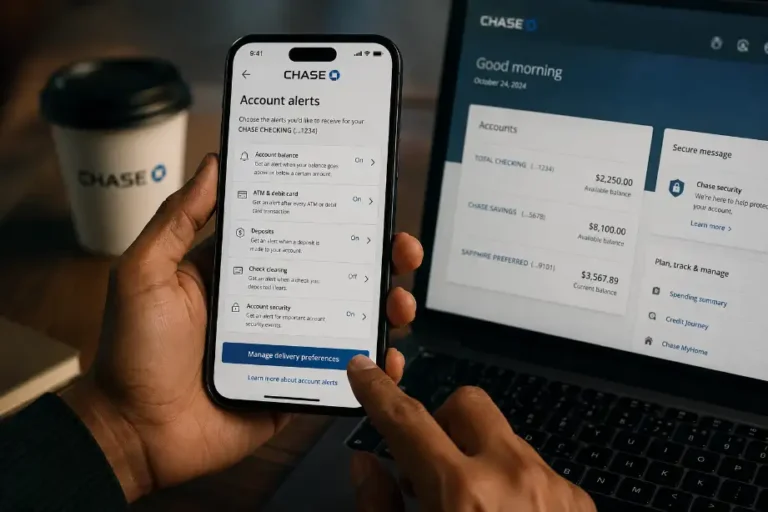
Enable Account Alerts
Set up alerts for:
- Purchases
- ATM withdrawals
- Online transfers
- Large transactions
Real-time notifications help you spot suspicious activity quickly.
Use Strong Passwords
Create unique passwords that include:
- Uppercase letters
- Lowercase letters
- Numbers
- Special characters
Avoid using birthdays or common words.
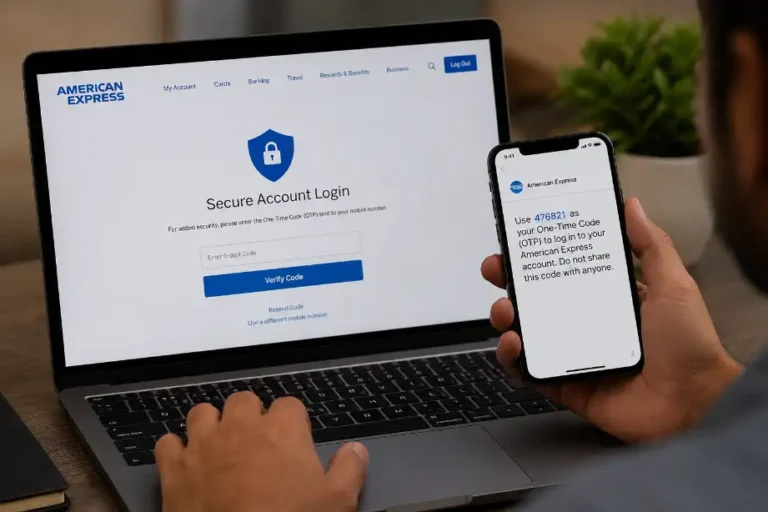
Turn On Two-Factor Authentication
Two-factor authentication adds an extra security layer and makes unauthorized access more difficult.
Avoid Public Wi-Fi for Banking
Public networks often create security risks.
Use:
- Home Wi-Fi
- Mobile data
- Trusted secure networks
Check Statements Every Month
Regular account reviews help identify fraudulent activity before it becomes a larger problem.
Differences Between Unauthorized Transactions and Billing Errors
Many account holders confuse billing mistakes with fraud.
Unauthorized transactions involve:
- Stolen card information
- Unauthorized account access
- Fraudulent purchases
Billing errors involve:
- Incorrect amounts
- Duplicate charges
- Merchant processing mistakes
Understanding the difference helps you choose the correct dispute option.
Why Quick Reporting Matters
Reporting suspicious activity immediately offers several benefits.
These include:
- Faster investigations
- Better fraud protection
- Reduced financial losses
- Stronger account security
- Improved chances of recovering funds
Delaying a report can complicate the investigation process and increase risks.
Additional Security Measures for Chase Customers
Beyond reporting unauthorized transactions, account holders should build stronger security habits.
Consider these actions:
- Update passwords regularly
- Review connected devices
- Remove unused payment methods
- Check credit reports periodically
- Verify contact information on your account
Strong security habits help reduce future fraud attempts.
Conclusion
Unauthorized transactions can happen to anyone, but quick action can limit the damage. When you notice a suspicious charge on your Chase account, review the transaction, report it through online banking or customer service, and secure your account immediately.
Chase provides tools that help customers dispute unauthorized charges and monitor account activity throughout the investigation process. Regular account monitoring, security alerts, strong passwords, and two-factor authentication add extra protection against fraud.
By staying alert and responding quickly, you can protect your finances and improve the chances of recovering funds from unauthorized transactions.
Frequently Asked Questions
How do I report an unauthorized transaction on my Chase account?
Log in to your Chase account, select the transaction, and follow the dispute reporting process.
How quickly should I report a suspicious transaction?
Report it as soon as you notice the charge.
Can Chase refund unauthorized transactions?
Yes, Chase may issue a refund if the investigation confirms unauthorized activity.
Will Chase replace my card after fraud is reported?
Yes, Chase can issue a replacement card when needed.
Can I report unauthorized charges through the Chase mobile app?
Yes, the Chase app allows customers to review and dispute eligible transactions.
What information do I need when reporting fraud?
You need the transaction amount, date, account details, and reason for the dispute.
How can I prevent unauthorized transactions in the future?
Use strong passwords, enable alerts, and monitor your account regularly.